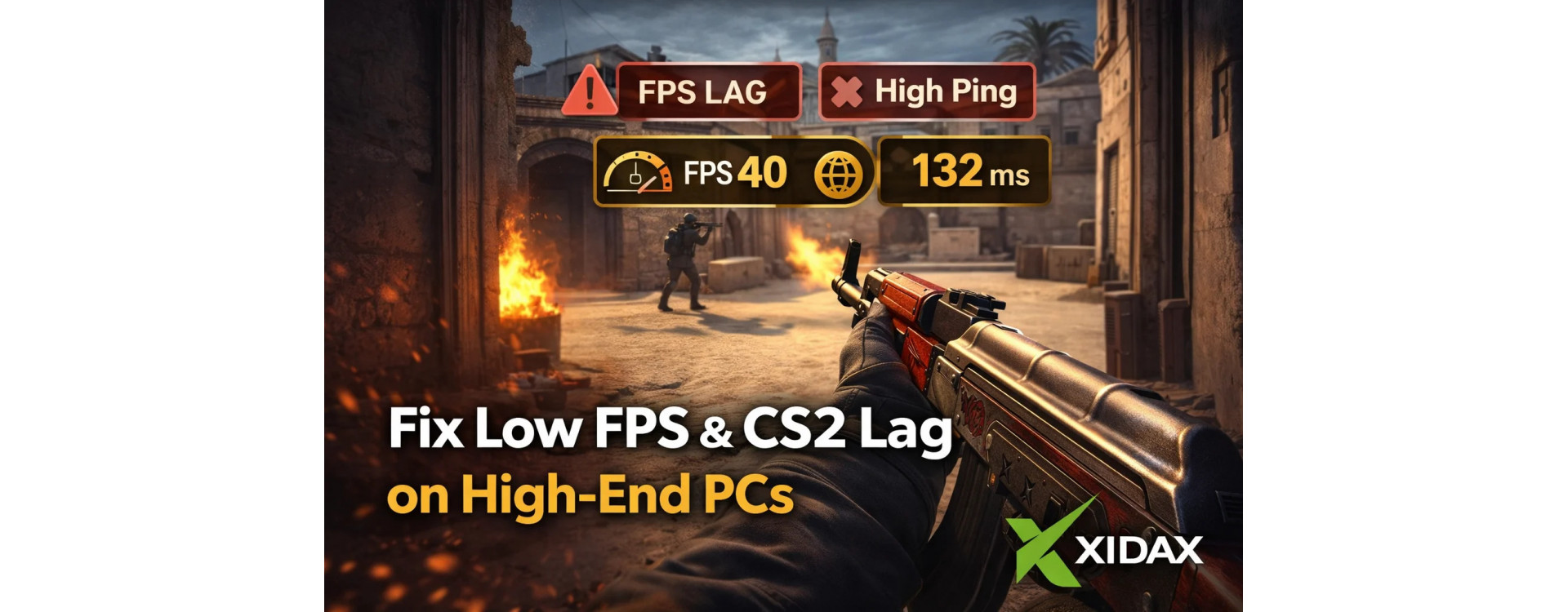
Nothing tilts like a clean setup on paper and a messy match in reality. You’re swinging mid, you start spraying, and your screen does that tiny stutter that turns a guaranteed frag into a highlight for the other team. FPS drops in CS2 feel extra disrespectful when you’re on a high-end rig, because you know it should be smooth.
Here’s the real story: FPS drops in CS2 usually come from one of three places. Your settings and frame pacing. A CPU or thermal bottleneck that only shows up under load. Or something outside your PC (servers, network, background processes) is making CS2 lag look like “my GPU is broken.”
If you want a baseline that’s built for stable competitive play, it’s worth starting at the Xidax homepage and comparing options on Xidax gaming PCs. CS2 loves consistency more than flashy specs.
Before the fixes, it helps to anchor on Valve’s own minimums so you can sanity-check any weird “why is this even happening” situations. CS2’s system requirements and download live on the official CS2 Steam store page.
FPS Drops in CS2: The 60-Second Diagnosis That Saves Hours
If FPS drops in CS2 are happening, don’t tweak ten things at once. Identify the pattern first.
1) When do the dips happen?
-
Only when shooting or getting shot at: likely settings, CPU spikes, or overlay conflicts (classic CS2 frame drops when shooting scenario).
-
Randomly every few minutes: often background apps, power or thermal behavior, or driver hiccups (CS2 random lag spikes).
-
Only on certain servers: can be server-side or network-side, not your PC.
2) Does it feel like stutter or low FPS?
-
Stutter or frame pacing: looks like micro-freezes even when FPS looks “high.”
-
True low FPS: your average is down and feels sluggish (CS2 low FPS, CS2 FPS low, low FPS CS2).
3) Does it get worse the longer you play?
That’s a big sign for heat and throttling. Keep that thought for the thermals section.
CS2 Low FPS on High End PC: The Two Most Common Causes
If you’re specifically dealing with CS2 low FPS on high end PC, it’s usually one of these.
1) You’re CPU-limited, not GPU-limited
CS2 can hammer a few cores hard. If your GPU is chilling but a CPU thread is sweating, you’ll still get CS2 frame drops. This shows up most in heavy fights, utility spam, and busy angles with lots of player models.
2) Your PC is quietly throttling
A high-end PC that runs hot will protect itself. That protection looks like “why is my FPS worse after two matches?” The clean explanation and what to watch for is in what thermal throttling is.
CS2 Best Settings for FPS: Competitive, Clear, and Stable
If you want CS2 best settings for FPS, the goal is stable frame pacing and clear visibility, not pretty screenshots.
1) Start with the settings that most often cause spikes
-
Turn down heavy shadows and effects first.
-
Avoid settings that create inconsistent frame pacing during fights.
-
Keep resolution at what your GPU can hold consistently.
2) Treat average FPS as less important than 1% lows
Most players don’t lose gunfights because they had 280 instead of 320 FPS. They lose them when FPS dips hard for a split second while spraying.
3) Lock in a stable frame cap if you get wild swings
A stable cap can reduce stutter and keep input feeling more consistent than an uncapped rollercoaster.
This is the simplest path for how to make CS2 run better without turning your PC into a science project.
How to Get More FPS in CS2: The High-End PC Checklist
If you’re searching for how to get more FPS in CS2, run this checklist in order:
1) Update GPU drivers, then restart
Boring, but real. A clean reboot after driver updates fixes more weirdness than people want to admit.
2) Disable overlays you don’t need
Overlays can cause stutter, especially during shooting and action. If you’re troubleshooting CS2 frame drops when shooting, overlays are a prime suspect.
3) Set Windows power behavior for performance
Performance mode reduces “why did my clocks dip” moments. It’s not magic, but it stabilizes CPU behavior.
4) Close the sneaky background hitters
Browser tabs, recording tools, RGB suites, and launchers can spike CPU usage. CS2 will feel it immediately.
5) Make sure storage isn’t the bottleneck
CS2 isn’t the biggest game, but modern PCs run a lot at once. Fast storage keeps the system responsive, especially if you multitask while gaming. If you want a modern tuning mindset for heavy performance targets, how to optimize gaming PC for 8K gaming covers the “remove bottlenecks before they show up” approach that also applies to keeping competitive games stable.
If you want a cleaner “skip the troubleshooting, start stable” route, browsing prebuilt gaming PCs is a fast way to get a balanced setup built for consistent performance.
What is a Slow Server Frame in CS2: Is That Your PC or the Server?
A lot of players see the message and assume their hardware is dying. Most of the time, it’s not.
1) What it usually means
what is slow server frame in CS2 is usually a server-side timing or performance issue. The server is struggling to process frames smoothly, so the match feels choppy even if your FPS is fine.
2) How to tell quickly
-
If it happens only on specific servers, that’s server-side.
-
If everyone is complaining at the same time, that’s server-side.
-
If it follows you everywhere, then it’s likely your PC or network.
3) What to do
Swap servers, test another region, and check your network stability before you start changing graphics settings.
This is why CS2 lag can sometimes be real server lag, not your PC.
CS2 Poorly Optimized: The Truth and the Fixable Parts
It’s common to hear CS2 poorly optimized, especially after updates. Some of that is real, but you still control a lot.
1) What you can control
Settings, frame caps, drivers, thermals, background apps, and display configuration.
2) What you can’t control
Server performance, patch-level performance swings, and occasional engine hiccups.
If you treat CS2 like a competitive tool instead of a “set it and forget it” game, you’ll usually find a stable setup quickly.
FPS Drops in CS2 After You “Fix Everything”: The Thermal Reality Check
If FPS drops in CS2 get worse over time, treat it like heat until proven otherwise.
1) Signs it’s thermal throttling
-
Smooth at the start, worse after 20 to 40 minutes
-
Fans ramp and the game feels muddy
-
Dips happen more in intense fights
2) Why this matters on high-end PCs
High-end parts boost aggressively. If cooling isn’t dialed, boost becomes bounce, and bounce becomes stutter.
The quick explainer is on what thermal throttling is.
If You’re Also Troubleshooting Other Games
A lot of players bounce between shooters. If you’ve had similar “why is this happening” moments elsewhere:
-
If your system hardlocks or hangs, see Apex Legends freezes my PC.
-
If performance tanks in heavy visual workloads, the tuning mindset in how to optimize gaming PC for ray tracing helps you isolate “settings vs hardware vs thermals.”
And if you want a requirements mindset for competitive games, Rocket League PC requirements is a good reference for “stable feels better than max.”
Buying Options: Desktop, Laptop, or Refurb for CS2
If you’re in the “I’m done fighting my setup” stage, pick the path that matches your reality.
1) Desktop for the cleanest competitive experience
Desktops usually hold steadier performance and stay cooler under load. Start by comparing Xidax gaming PCs.
2) Laptop if you need portability
If you’re traveling or moving setups, a laptop can still be solid for CS2, but thermals matter. Browse gaming laptops.
3) Refurbished if you want value without suffering
A refurbished PC can be the smartest entry point if you want stable performance without going all-in.
For more tuning posts and build logic, the Xidax blog is the best place to dig in.
Where to See Real Builds and Setups
For build photos and desk setups, check out Xidax on Instagram. For longer videos and performance content, the Xidax YouTube channel is the better deep dive. If you want the location pinned for later, here’s Xidax on Google Maps.
FPS Drops in CS2: Next Steps That Actually Work
If you want fewer excuses and more clean gunfights, do this in order:
-
Verify it’s not server-side “slow server frame” behavior
-
Fix frame pacing with sane settings and a stable cap
-
Kill overlays and background hitters
-
Confirm drivers and Windows power