What Is Thermal Throttling? How It Affects Performance
When your PC starts lagging or your frame rates suddenly drop during intense tasks, it might not be a software bug or poor internet—it could be thermal throttling. So what is thermal throttling, and how does it affect performance in gaming and high-demand computing? Let’s break it down in practical terms, from definition to prevention.
Whether you’re gaming, editing 4K videos, or pushing your CPU to render complex environments, the impact of heat on your system's speed is very real. And it’s not just frustrating—it can damage performance over time.
????️ If your PC is showing signs of slowdowns, check out our contact page to speak with a specialist about possible thermal throttling issues.
Understanding the Basics: What Is Thermal Throttling
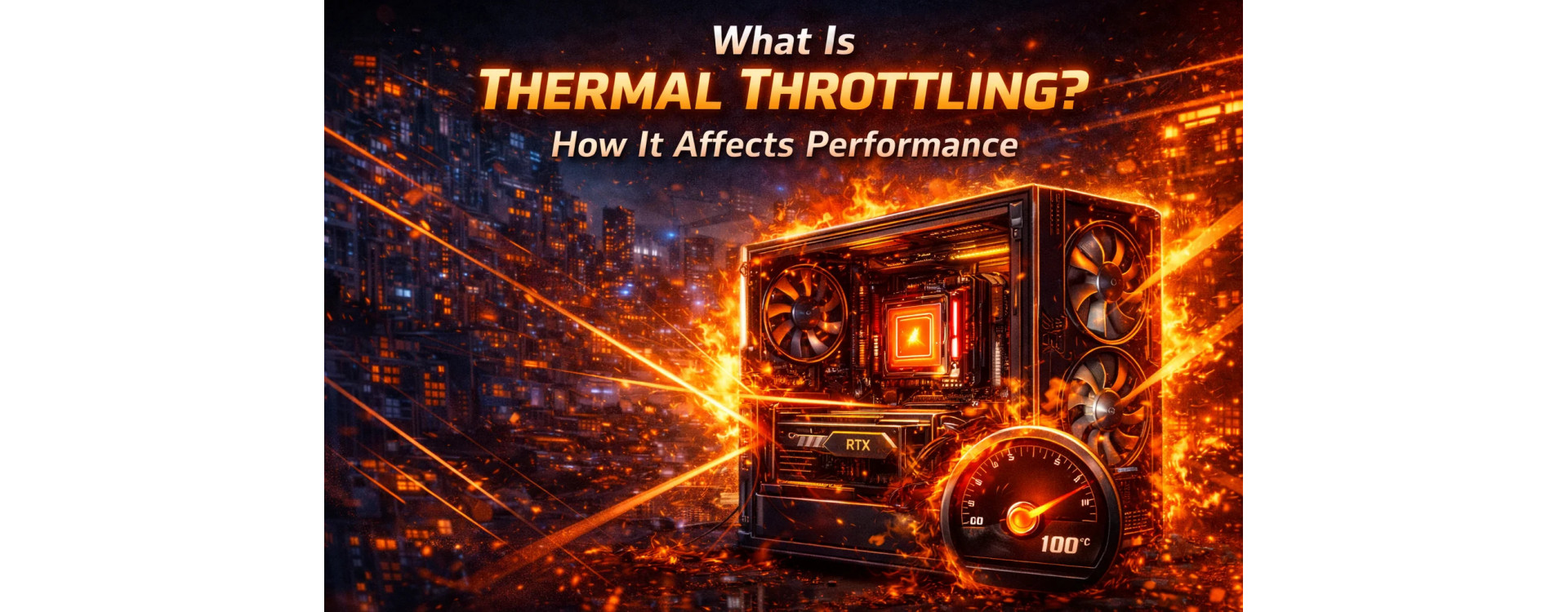
The definition of thermal throttling is simple: it’s a built-in mechanism that slows down your computer's processor to prevent overheating. When the CPU or GPU reaches a certain temperature threshold, it automatically reduces its clock speed to cool down.
This process is designed to protect your hardware, but the tradeoff is reduced performance.
So, what is thermal throttling doing during gameplay or rendering? It’s reducing heat by lowering how hard your hardware works, which directly affects your PC's output. You’ll notice dips in FPS, lag in applications, or even full system stutters.
For gamers and power users alike, this can be the difference between smooth performance and unplayable sessions.
Thermal Throttle Meaning in Real-World Use
The thermal throttle meaning isn’t just technical jargon—it’s something most gamers experience at some point. Imagine running a demanding AAA title on ultra settings. Your GPU ramps up, generating heat. If airflow is inadequate or cooling is limited, the card hits its thermal limit and begins to throttle.
That’s when your frame rates tank.
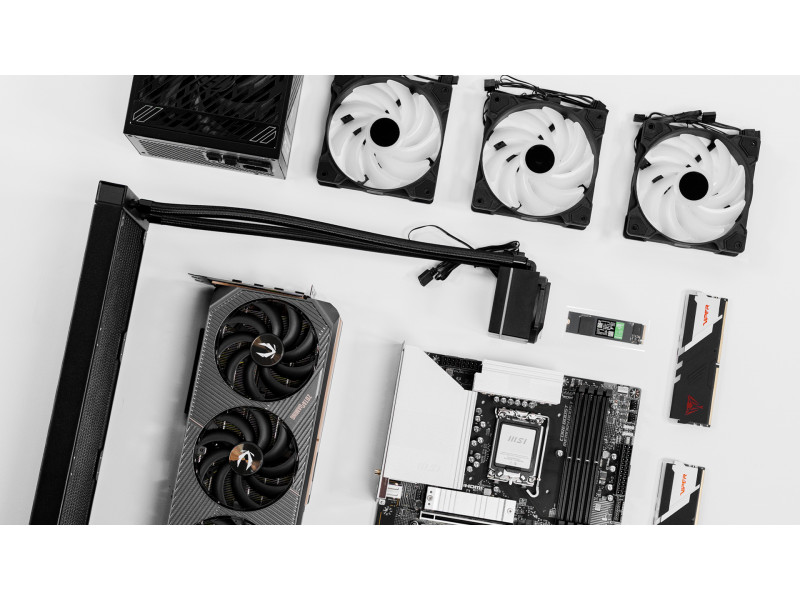
As explained in our post on how airflow can affect performance, poor ventilation or a cramped case layout can push your components past safe operating temperatures, triggering throttling.
What Causes Thermal Throttling
Several factors contribute to thermal throttling:
- Poor airflow inside the case
- Dust buildup in fans and heatsinks
- High ambient room temperature
- Overclocking without proper cooling
- Inadequate cooling solutions like stock coolers
If you're wondering what causes thermal throttling in your system, start by checking the basics. Are your intake and exhaust fans balanced? Is your case clean? Have you monitored your CPU or GPU temps while gaming?
These questions matter. Because in most cases, throttling is avoidable with good design and maintenance.
A silent gaming PC build with optimized cooling can help reduce fan noise while improving thermal efficiency—a perfect solution for creators or streamers looking for quiet power.
Thermal Throttling in Gaming
Thermal throttling in gaming typically appears as:
- Sudden frame drops after extended play
- Lag spikes during graphically intense moments
- Reduced GPU or CPU usage percentages despite high demands
- Audible ramp-up of fans followed by visible performance dips
You might think your graphics settings are to blame, but the real culprit is your temperature.
Xidax builds are designed to push thermal limits safely. Our custom gaming PCs use quality cooling systems that minimize the risk of thermal throttling, even during marathon gaming sessions.
Follow us on Instagram to see behind-the-scenes of our builds and community success stories.
The Real Thermal Throttling Definition
The deeper thermal throttling definition is about protection. Without it, CPUs and GPUs could literally burn themselves out. It's like a car engine that slows down when it gets too hot—designed not to win a race, but to stay alive.
This is why throttling isn’t a flaw—it’s a safeguard. But for high-performance users, managing it is critical to avoid disruptions and hardware stress.
Xidax builds take thermal management seriously. We design systems with airflow, component layout, and noise reduction in mind to prevent these issues before they start.
Need advice on what cooling system is right for your build? Contact our support team for custom recommendations based on your workload.
How Does Thermal Throttling Impact Lifespan
So, what does thermal throttling mean for the long-term health of your PC?
It means your hardware is working too hard, too often. While throttling prevents immediate damage, repeated high-heat cycles can still reduce the lifespan of your CPU, GPU, and motherboard components over time.
It’s better to address the root problem—cooling—than to let throttling keep trying to save your system.
Looking for performance tips? We’ve got build guides, optimization tips, and cooling tutorials on YouTube.
How to Stop Thermal Throttling
Here’s how to stop thermal throttling in a few practical steps:
- Improve airflow by adding intake and exhaust fans
- Clean dust from components regularly
- Reapply thermal paste every 1–2 years for better heat transfer
- Upgrade your CPU cooler or switch to liquid cooling
- Monitor temps using software like HWMonitor or MSI Afterburner
- Reduce overclocking, especially without adequate cooling
- Consider undervolting for more efficient heat output
Each system is different, but these tips apply across the board. Even small changes can have a massive impact on your performance and stability.
Have questions about your cooling setup? Our team is always ready to help with custom recommendations. Reach out to us if you’re unsure what changes would give you the best results.
Do You Need to Worry About Thermal Throttling?
If you’re not pushing your PC with high-end games or software, you might not run into thermal throttling often. But for creators, gamers, streamers, and professionals, heat is a constant concern.
Even a powerful system can fall short if cooling isn’t up to par. Investing in airflow, component layout, and reliable support keeps your system consistent over the long haul.
The better your system handles heat, the better it performs—and the longer it lasts.
Wrap-Up: Thermal Control Is Power Control
Understanding what is thermal throttling is key to mastering your system’s performance. It’s not just about avoiding slowdowns—it’s about building smarter and gaming longer.
With the right cooling setup, you can prevent throttling, protect your hardware, and enjoy top-tier performance no matter what you’re doing.
???? Looking to upgrade? Explore Xidax Gaming PCs built for maximum power without the heat risks. Have questions? Talk to our team to find the perfect system for your needs.
Frequently Asked Questions About What Is Thermal Throttling
What is thermal throttle in a PC?
The term thermal throttle refers to when a PC reduces its processor speed to prevent overheating. It’s a protective mechanism triggered by reaching a certain temperature threshold.
What does thermal throttling mean for gamers?
For gamers, thermal throttling can result in sudden frame rate drops, stuttering, or lag. It's often caused by poor airflow or insufficient cooling during graphically intense moments.
What causes thermal throttling even with a good cooler?
Even with a good cooler, thermal throttling can happen due to poor case airflow, high ambient temperatures, or incorrect fan curves. Regular maintenance and airflow tuning are essential.
How do I know if my PC is thermal throttling?
Use temperature monitoring tools like HWMonitor or MSI Afterburner. If you see your CPU or GPU temperature spike followed by a sudden drop in performance, thermal throttling is likely occurring.
Can thermal throttling damage my PC?
Thermal throttling itself won’t damage your PC—it’s designed to prevent that. But frequent throttling is a sign that your cooling system may need improvement to avoid long-term stress.
Disclaimer
This blog post is for informational purposes only. For personalized performance advice, always consult a trusted technician or contact Xidax for support.