Ray Tracing Impact on PC Builds with Xidax
Ray tracing has become one of the biggest leaps in visual fidelity for modern gaming, giving players realistic lighting, lifelike reflections, accurate shadows, and immersive atmospheric effects. But with that visual upgrade comes serious performance demand — and understanding the ray tracing impact on PC builds is the key to choosing the right hardware.
Whether you’re exploring new AAA titles or experimenting with visually heavy games like Genshin Impact, ray tracing performance can change everything about how your PC behaves. This guide breaks down what ray tracing does, the components that matter most, how it affects gaming performance, and how to build a system that handles it with power to spare.
If you want to explore ray-tracing-ready systems right away, browse the Xidax homepage or our full lineup of products.
What Is Ray Tracing and Why Does It Demand So Much Power?
To understand the ray tracing impact on PC builds, think of ray tracing as lighting physics on overdrive. Instead of faking lighting with traditional raster techniques, ray tracing simulates the path of thousands — or millions — of invisible light rays in real time.
Ray tracing requires:
-
Accurate bounce calculations
-
Light-material interaction simulation
-
Real-time shadow generation
-
High precision reflection sampling
-
Ambient occlusion refinement
This isn’t just a graphical setting — it fundamentally changes how a GPU renders a scene. And that’s why ray tracing gaming performance relies so heavily on hardware designed to handle the load.
If you're comparing GPUs, check out our guide to the best GPU for 1440p gaming to see which cards excel at ray-traced workloads.
How Ray Tracing Impacts GPU Requirements
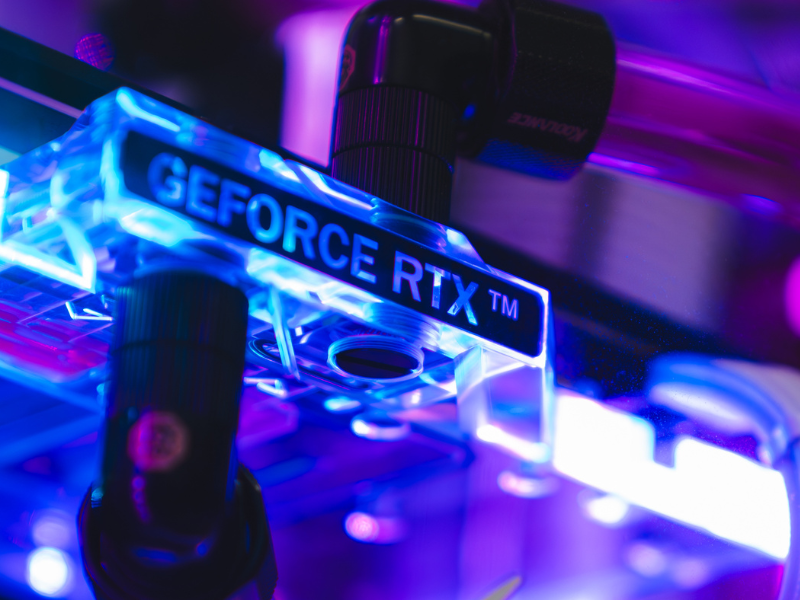
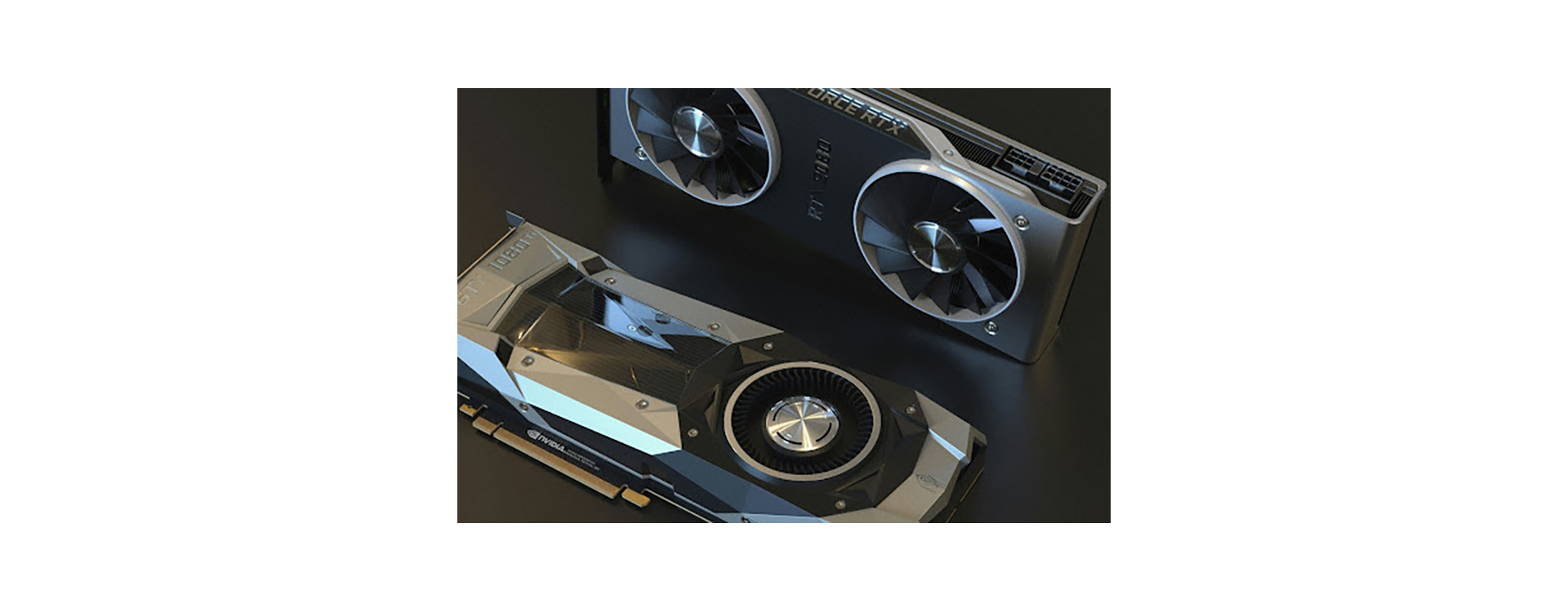
The GPU is the heart of ray tracing performance. Ray tracing introduces entirely new computational steps on top of everything the GPU already handles. Cards with dedicated RT cores, tensor units, and AI-assisted denoisers perform exponentially better.
This is why ray tracing gpu requirements matter more than almost any other component choice. Modern GPUs that excel at ray tracing include higher-tier NVIDIA RTX and AMD Radeon models built for heavy rendering.
If you want a GPU that handles ray tracing well and stays future-proof, explore our guide to future-proof gaming PCs.
Why Ray Tracing Also Impacts CPU Efficiency
Most gamers focus on the GPU, but CPU performance matters too. The processor feeds data to the GPU, handles scene logic, communicates with the game engine, and ensures assets are prepared fast enough.
A CPU that falls behind becomes a bottleneck — and that’s when ray tracing performance tanks. With complex geometry, open-world streaming, and AI-driven environments becoming standard, the CPU holds more responsibility than ever before.
If you’re gaming on the go, explore Xidax gaming laptops, many of which include CPUs specifically tuned for balancing ray tracing workloads.
Storage and Ray Tracing: Why It Matters More Than Ever
NVMe drives don’t directly “render” ray tracing, but they play a crucial role in asset streaming. Realistic lighting requires higher-resolution textures and more data flowing through the system. If your game can’t stream assets fast enough, you get micro-stutters, delayed texture loading, or inconsistent performance.
This is a major reason next-gen games increasingly recommend NVMe over SATA. It’s not about raw FPS — it’s about smoothness.
If you’re planning a high-end build, storage choice is a key part of your ray tracing pc requirements.
Case Airflow and Cooling with Ray Tracing Enabled
Ray tracing is demanding — and demanding workloads generate heat. The more heat your GPU produces, the more aggressively your fans spin, and the more likely thermal throttling becomes.
A well-cooled system prevents:
-
FPS dips during long sessions
-
GPU clock fluctuations
-
Extra noise
-
Power draw inefficiencies
Strong airflow is a major part of ray tracing pc optimization. Cooler hardware performs better and stays more consistent under load.
For help choosing a chassis with airflow in mind, explore our best practices in the Xidax blog.
Ray Tracing and Real-World Gaming Performance
Ray tracing doesn’t just improve lighting — it changes the emotional experience of a game. Environments feel more cinematic, reflections feel grounded in reality, and atmospheric effects create texture and depth that traditional rasterization can’t match.
But the heavier the ray tracing load, the more noticeable performance inconsistencies become unless your system is built to handle them. Some games implement hybrid ray tracing (only shadows or reflections) while others go full-path, calculating nearly every ray bounce.
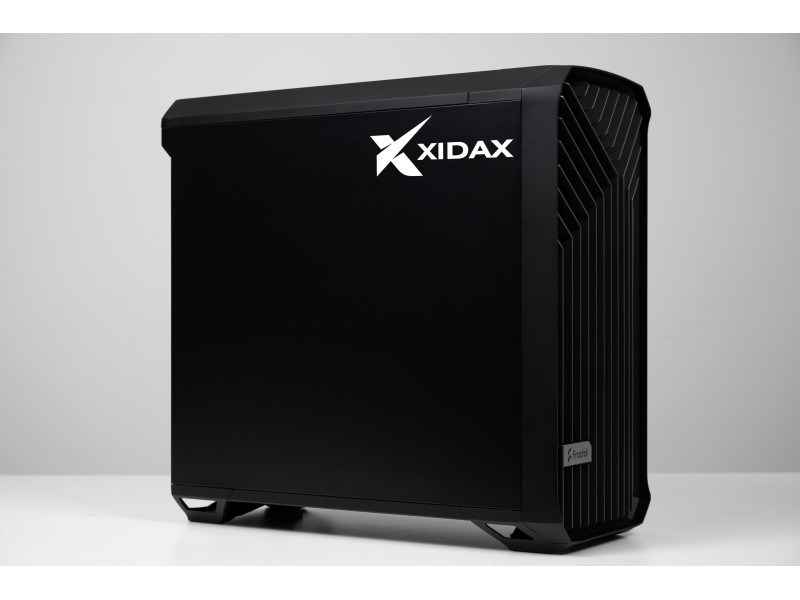
This is where a properly balanced PC truly shines. Xidax systems are designed to handle both extremes, ensuring that visual upgrades don’t come at the cost of smooth gameplay.
For players who value reliable performance over time, Xidax offers the industry’s strongest lifetime warranty.
Planning a Ray Tracing Build: What Actually Matters?
If you want a PC designed specifically to withstand the full ray tracing impact on PC builds, focus on:
-
A GPU built for ray tracing with dedicated hardware
-
A strong multi-core CPU
-
High-speed NVMe storage
-
A power supply with stable delivery under high loads
-
Case airflow designed for long sessions
-
Adequate RAM for heavy games and multitasking
If you’re unsure about anything — GPU choice, CPU pairing, airflow, or longevity — you can explore our guidance on building a future-proof gaming PC.
Get Ready for Ray Tracing: Build with Xidax
Every Xidax system is designed with stability, power, and next-gen gaming performance in mind. Whether you want a custom desktop optimized for cinematic visuals or a compact laptop capable of hybrid ray tracing, our team will help you choose the perfect configuration.
Explore systems on the Xidax homepage, browse our products, or dive deeper into PC hardware insights on the Xidax blog.
See our builds in action:
Watch thermal tests and ray-tracing gameplay on our YouTube channel.
Follow daily PC showcases on Instagram.
Frequently Asked Questions About the Ray Tracing Impact on PC Builds
Does ray tracing affect performance significantly?
Yes. The ray tracing impact on PC builds is substantial because ray tracing requires heavy GPU computation, especially in complex scenes.
What hardware do I need for ray tracing?
Strong GPUs with RT cores, a modern CPU, and fast NVMe storage create the best ray tracing performance. These are the core ray tracing pc requirements.
Does ray tracing work on laptops?
Yes. Many modern gaming laptops support ray tracing, though performance varies. For optimized portable systems, explore Xidax gaming laptops.
Is ray tracing worth enabling?
If you value realism and cinematic visuals, yes. But enabling it on underpowered hardware can hurt ray tracing gaming performance, so choose components carefully.
Disclaimer
The information in this article is intended for general educational purposes only. Hardware performance varies depending on system configuration, game optimization, thermals, and user environment. Always verify component compatibility and performance requirements before upgrading or modifying your PC.